Summary
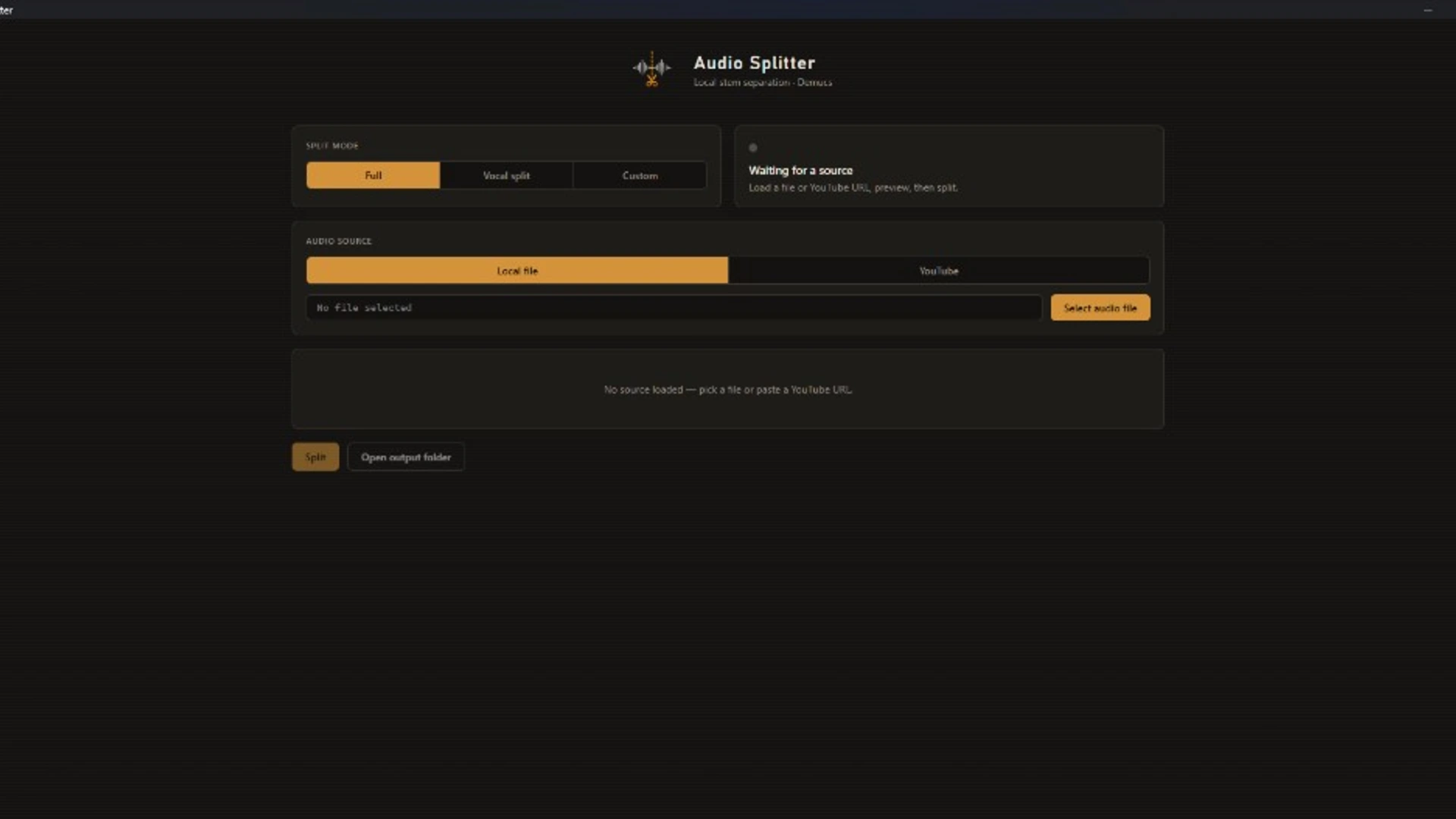
I built and released a local-first stem separator (desktop + CLI) so users can split tracks without uploading audio to a third-party service — including a Windows installer with bundled ffmpeg.
Overview
Audio Splitter targets musicians and producers who need vocals, drums, bass, and other stems without sending source files to the cloud. The challenge was wrapping Demucs in something people can actually install and run, not only a research notebook.
Goals
- Keep all processing on the user's machine
- Ship both a GUI and a CLI from one codebase
- Make Windows install friction low enough for non-developers
Approach
Local-first was a hard constraint: privacy and offline use beat a hosted API. I chose Demucs for quality, then invested in packaging (PyInstaller, bundled ffmpeg, optional GPU) because model quality alone does not make a usable product. A Typer CLI covers scripting; pywebview covers the desktop path.
Solution
The release splits local files or YouTube URLs into four stems, runs entirely on-device, and ships as a Windows download with dependencies included. Users who prefer terminals get the same pipeline without the GUI.
Impact
A downloadable release proves the packaging and distribution work holds up alongside the ML integration. It also settled a tradeoff I stand by: slower local runs are acceptable when the alternative is uploading private audio.
Looking ahead
Improve first-run guidance for GPU setup, expand format edge cases, and keep the CLI and GUI feature sets aligned as Demucs versions change.